 Titleon: Meta titles that fit, measured in pixels · Toolroom
 Bot Bouncer: Decide which AI bots read your site · Toolroom
 llmstxt-gen: Give AI a map of your site · Toolroom
Titleon
Meta titles that fit, measured in pixels.
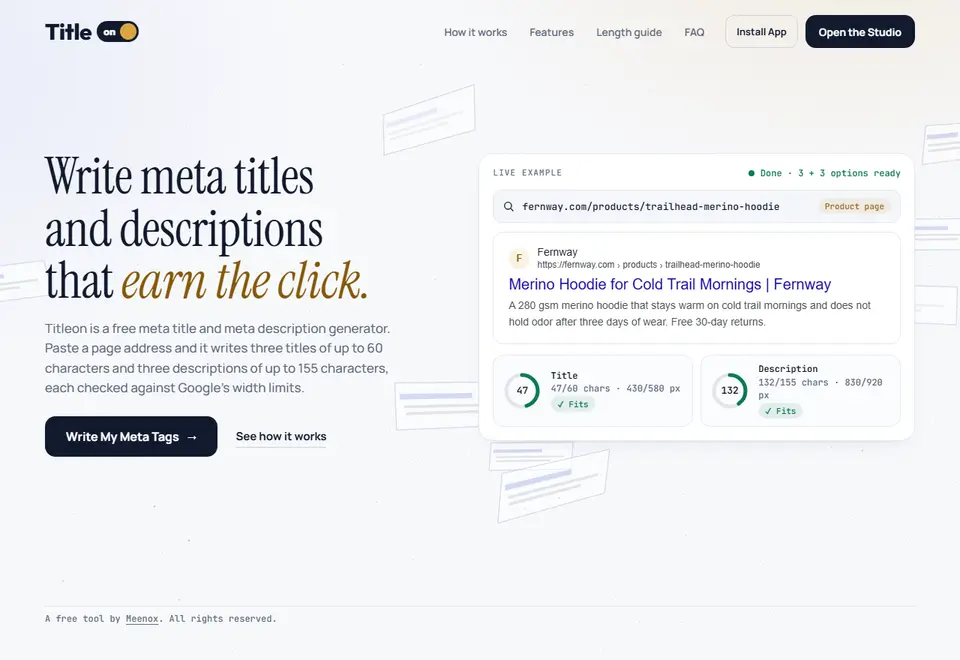
Google trims a title by how wide it is on screen, not only by how many letters it has. Titleon reads a public page, scores the title and description it has now, and writes three new titles and three new descriptions, each counted in characters and pixels and shown as a Google result. Free, with no account.
The tab above cuts this page’s title short. A search result does the same, by its width on screen.
Will it fit in Google?
A search result cuts a long title short by its width on screen, so a line of wide letters runs out sooner than a line of narrow ones. Titleon keeps every title within 60 characters and 580 pixels, and every description between 110 and 155 characters and within 920 pixels. Type below and watch both limits.
Characters0 of 60
Pixels wide0 of 580 px
Fits.
Example Storehttps://example.com › wallets
Handmade leather wallets that last for years | Example
Slim leather wallets and card holders, stitched by hand and made to age well. Pick a colour, add your initials, and return it free.
Pixel widths on this page are measured in your browser, so they are close, not exact. Read the length guide: pixels vs characters
Three titles from one real run
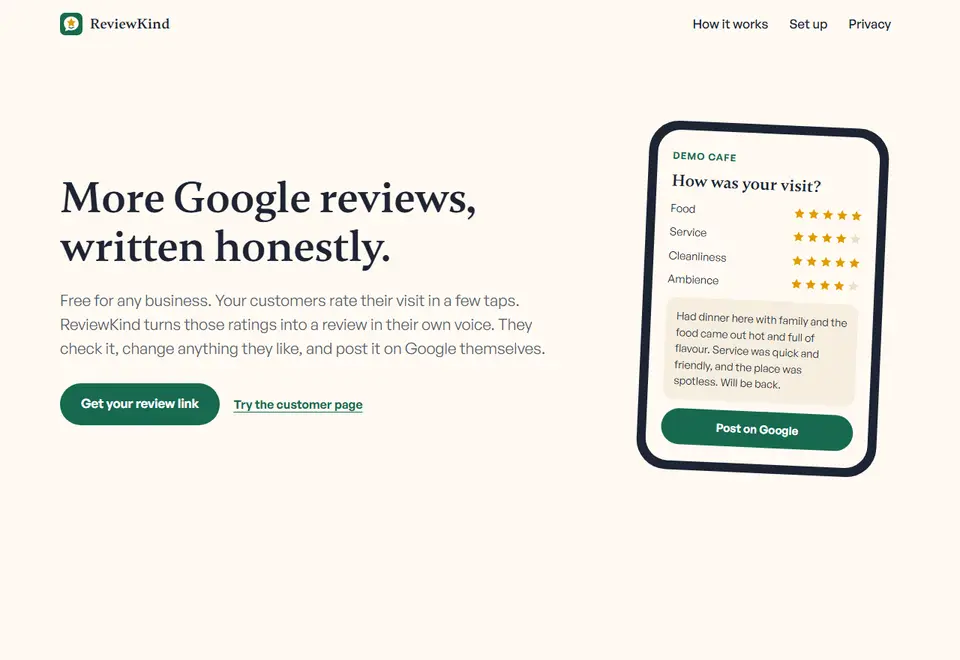
Titleon was pointed at the home page of ReviewKind, another tool on this shelf. These are the three titles and two of the three descriptions it wrote. Flip through them, each one measured as it lands.

ReviewKindhttps://reviewkind.netlify.app
Google reviews made easy with honest customer feedback
Get more Google reviews with a simple link and QR code. Customers rate their visit, and ReviewKind writes an honest review in their voice.
- Title
- 54 of 60 characters, … of 580 px
- Description
- 138 characters (110 to 155), … of 920 px
<title>Google reviews made easy with honest customer feedback</title>
<meta name="description" content="Get more Google reviews with a simple link and QR code. Customers rate their visit, and ReviewKind writes an honest review in their voice.">
A real Titleon run on https://reviewkind.netlify.app/. The bold marks “Google reviews”, the phrase every option is built around.
It reads the page before it writes
Paste a page address. Titleon reads what the page says, works out what kind of page it is and its language, picks the main keyword, and scores the title and description the page has now.
What it reads
Page type
Language
When a page cannot be read, paste its text instead.
It never comes back empty
Google’s Gemini writes the options. Whenever the AI is unavailable, Titleon’s own free writer takes over and builds them from the page itself. Flip the switch to see who writes.
AI available
Gemini writes
It reads the page and writes three titles and three descriptions to the limits.
Its own writer steps in
Built from the page’s
- H1
- Headings
- Sentences
- Keyword
- Brand
3 titles and 3 descriptions, written by Gemini
A whole site in one run
Bulk mode takes pasted URLs, a CSV upload, or a sitemap of up to 500 URLs. If a run stops at the hourly limit, continue it from where it stopped. Then export it three ways.
Pasted URLs0 of 8 written
- example.com/Waiting
- example.com/walletsWaiting
- example.com/wallets/slim-bifoldWaiting
- example.com/card-holdersWaiting
- example.com/beltsWaiting
- example.com/key-ringsWaiting
- example.com/aboutWaiting
- example.com/care-guideWaiting
8 sample URLs, ready to run.
Export
- Plain CSV
titleon.csvEvery URL with its new titles and descriptions, for any spreadsheet.
- WordPress CSV
wordpress.csvFilled in for the Yoast and Rank Math fields.
- Shopify product CSV
shopify.csvMatched to each product by its handle.
Install Titleon as an app and a notification like this arrives when a run finishes in the background. The file names here are examples.
Switched on from the start
The small things that save a second visit. All features
Same page, same day
Results for a page come back within 24 hours without a new AI call. They are saved in your browser.
Rewrite one option
Not keen on one line? One AI call refills three titles and three descriptions as spares.
Paste the text instead
When a page cannot be read, paste its text and Titleon writes from that.
Share preview
See how the link looks when it is shared, next to the Google preview.
Current vs new
A score for the tags the page has now, set against the new ones.
Copy as HTML
One button copies the title and meta description tags, ready to paste.
Installable app
Add it to your home screen or desktop, and get a notification when a bulk run finishes in the background.
No accounts
Nothing to sign up for.
Paste a URL, get six lines that fit
Three titles and three descriptions, counted, measured and previewed. Free, with no account.
Use Titleon with
 Schema Forge
 Silkpath
Titleon, as it looks today