Bot Bouncer
Decide which AI bots read your site. Live and free to use.
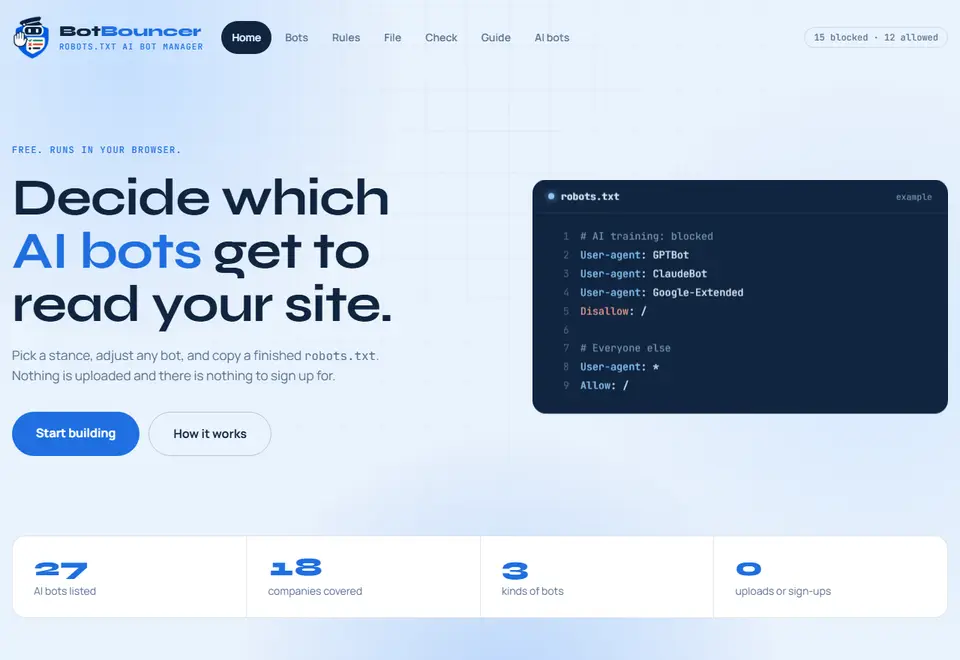
A robots.txt file sits at the root of a site and tells crawlers where they may go. Bot Bouncer lists 27 AI bots from 18 companies, lets you allow or block each one, and writes the finished file for you to copy. Everything runs in your browser, so nothing you type is uploaded and there is nothing to sign up for.
Set the door policy

Training crawlers stay out. AI search and user requests still get in.
15 kept out
12 let in
27 AI bots from 18 companies, one mark each. Switch any of them by name
Every name on the list
Tap a name to cross it off, tap again to let it back in. The robots.txt beside the list is rewritten with every tap, ready to copy.
15 kept out, 12 let in
Model training and datasets 15 bots
AI search and answers 7 bots
Fetches on a user's request 5 bots
From OpenAI, Anthropic, Google, Apple, Meta, Perplexity, Amazon, ByteDance, Common Crawl, Cohere, Mistral, DuckDuckGo, You.com, Huawei, Diffbot, Webz.io, the Allen Institute for AI and Hive.
robots.txt
# Model training and datasets: blocked
User-agent: GPTBot
User-agent: ClaudeBot
User-agent: anthropic-ai
User-agent: Google-Extended
User-agent: Applebot-Extended
User-agent: CCBot
User-agent: Bytespider
User-agent: Meta-ExternalAgent
User-agent: FacebookBot
User-agent: cohere-ai
User-agent: Diffbot
User-agent: Omgilibot
User-agent: AI2Bot
User-agent: ImagesiftBot
User-agent: PanguBot
Disallow: /

# Everyone else
User-agent: *
Allow: /
GPTBot Collects public pages to train OpenAI models. Its page in the bot directory
Past the door, the whole app
The list is where you start. The app also sets paths and exceptions, checks any robots.txt line by line, and explains every bot on its own page.
Open Bot Bouncer-
Choose who gets in
- 27 AI bots from 18 companies, each with a plain note on what it does, with search and filters for the list
- Training crawlers, AI search crawlers and user-request fetchers, set separately or as a group
- Presets: opt out of training, block every AI bot, or allow them all
- Starting points for a blog or news site, an online shop, or docs and SaaS
-
Set the rules
- Blocked paths, with patterns such as /private/ or /*.pdf$, and exceptions that stay open, such as /press/
- Import your current robots.txt and keep its other rules and sitemap lines
- Sitemap lines, grouped bots and optional comment headings
-
Take the file with you
- Copy the finished file, or download it
- Matching rules for Nginx, Apache and Cloudflare, to enforce a block at your server
-
Check any robots.txt
- Flags typos, lines Google ignores and relative sitemap addresses, with line numbers
- Shows each AI bot as blocked, partly blocked or allowed
- Tests a path for any crawler, including Googlebot and Bingbot, and loads the file back into the builder
-
Learn and keep up
- A directory with one page for each AI bot, with copy-ready robots.txt and server rules
- Each bot page says plainly what is confirmed and what is not, so you know how far to rely on it
- A guide to how robots.txt works for AI crawlers
- Optional alerts when the bot list changes
- Works well on a phone, and can be installed as an app
Asked at the door
Will this hurt my Google rankings?
No. Google-Extended and Applebot-Extended only control AI use. Googlebot and Bingbot are not in this list and keep crawling for search. Blocking AI search bots such as OAI-SearchBot can make you appear less often in those AI products.
Does blocking remove my content from AI models?
No. A block applies from the next visit. Content a crawler already collected stays with its operator.
Do all bots follow robots.txt?
Major operators say their crawlers do. User-request fetchers may not, and some crawlers ignore it. For a hard block, add firewall or CDN rules for the same user agents.
Is anything sent or stored?
Nothing you enter is uploaded. The page builds your file in your browser and remembers your choices only in that browser. The one exception is optional alerts on the live site: if you turn them on, your browser's push address is stored so alerts can be sent.
Ready to write your file?
Pick a preset and you will have a finished robots.txt in a minute.
Choose your bots
Start from a preset, then flip any bot between Allow and Block.
Set the rules
Choose which paths are blocked, add exceptions and your sitemap.
Copy and upload
Copy the finished text and save it as robots.txt in your site's root.
Free, with no account. It runs in your browser.
Use Bot Bouncer with
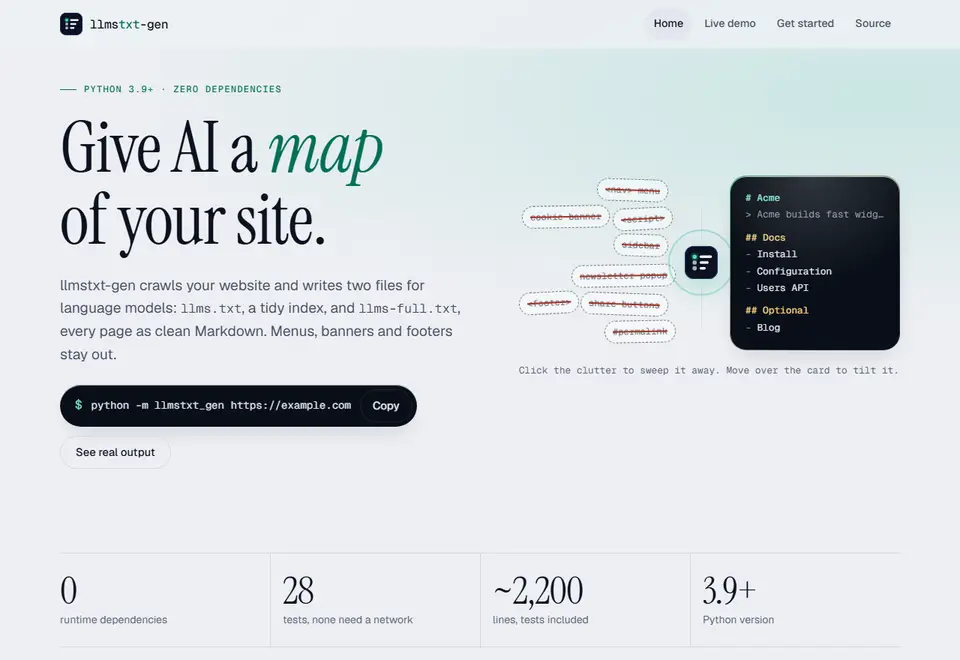
 llmstxt-gen
 Silkpath
Bot Bouncer, as it looks today
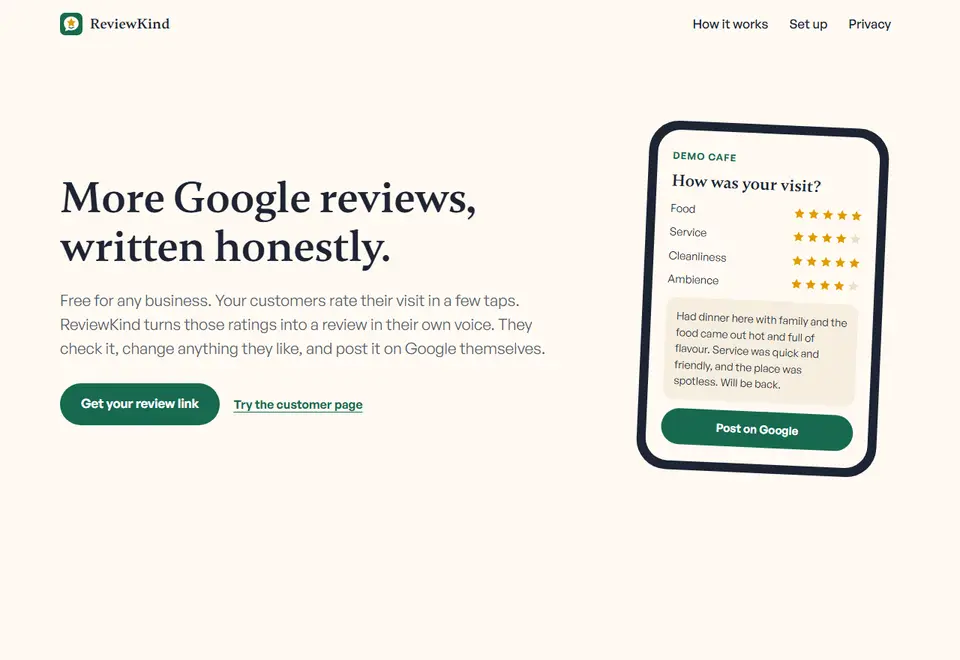
 ReviewKind
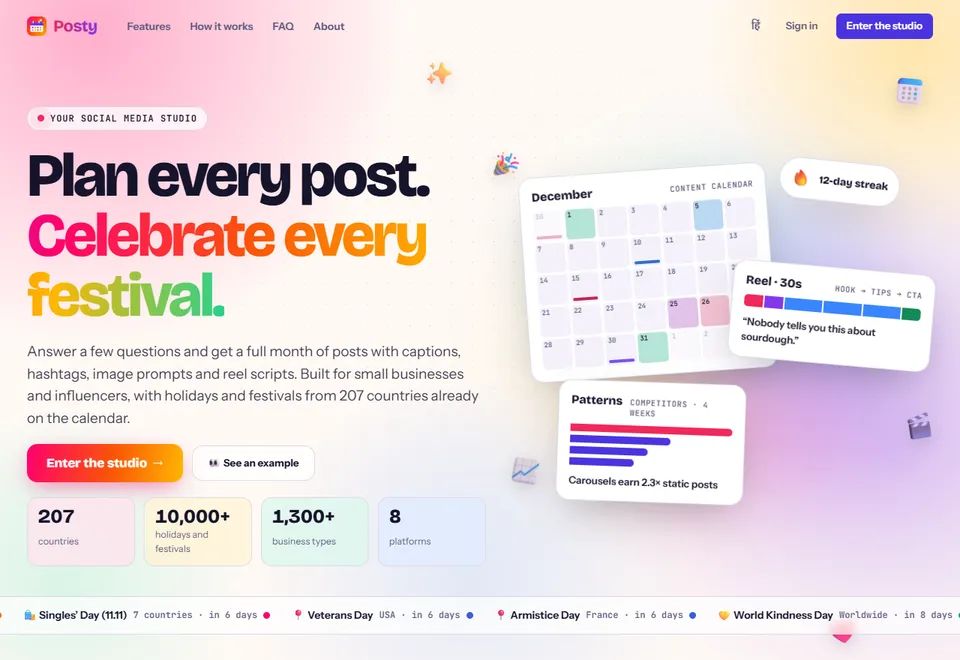
 Posty