llmstxt-gen
Give AI a map of your site.
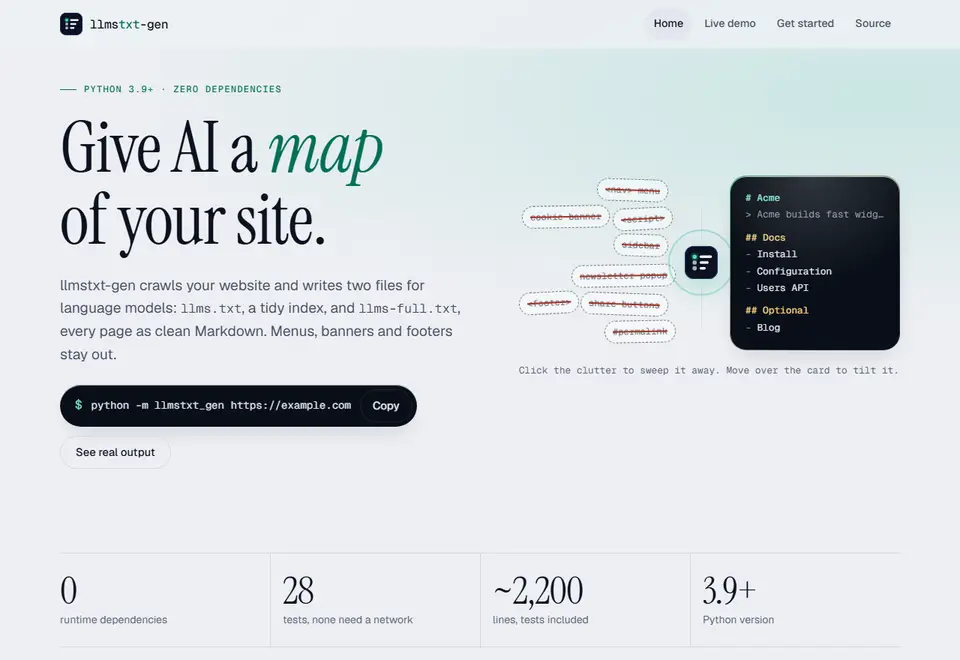
llms.txt is a short Markdown file that tells AI tools which pages of a site matter. llmstxt-gen crawls your website and writes two files: llms.txt, a tidy index, and llms-full.txt, every page as clean Markdown. Menus, banners and footers stay out. It is a Python command-line tool with no dependencies.
Start here
- Open llmstxt-gen A demo crawl, a command builder and the whole source with its tests.
- All toolsThe rest of the Toolroom shelf.
Optional
- 0runtime dependencies
- 28tests, none need a network
- ~2,200lines, tests included
- 3.9+Python version
 This page, written as an llms.txt file: a title, a one-line summary, then sections of links. llmstxt-gen writes one for a whole site.
What it does
Four stages, one command. A page goes in as HTML and comes out as a line in llms.txt.
-
Discover
- Reads robots.txt rules and crawl delays
- Uses sitemap indexes and gzipped sitemaps
- Follows links, kept to your site and path
-
Fetch politely
- 8 parallel requests, 0.1 seconds apart
- Retries with back-off
- A 5 MB cap per page
-
Extract
- Finds the main content of each page
- Removes navigation, footers and banners
- Merges duplicates and redirects
-
Compose
- Clean titles and summaries
- Sections in navigation order
- Blog and legal pages listed under Optional
Only the content survives
The same page from the app's demo, as it is served and as it is extracted. 6 parts of it never reach your files.
<body class="sidebar-open">Not a sidebar: kept<header><nav><a href="/">Acme</a> <a href="/docs/">Docs</a> <a href="/pricing">Pricing</a></nav></header>Navigation<aside class="sidebar"><a href="/docs/install">Install</a> <a href="/docs/config">Config</a></aside>Sidebar<div class="cookie-banner">We use cookies. <button>Accept</button></div>Cookie banner<main> <h1>Install<a class="hash-link" href="#install">#</a></h1>Permalink <p>Run the installer, then check the <a href="/docs/config">config</a>.</p> <pre class="language-bash"><code><span class="token-line">npm install acme</span><span class="token-line">acme init</span></code></pre> <table><tr><th>Flag</th><th>Default</th></tr><tr><td><code>--port</code></td><td>8080</td></tr></table></main><footer>© 2026 Acme Inc. All rights reserved.</footer>Footer<script>track()</script>Script</body>
# Install Run the installer, then check the [config](https://acme.example/docs/config).Link made absolute ```bashKeeps its languagenpm install acmeacme init``` | Flag | Default |Still a table| --- | --- || `--port` | 8080 |
The page's body is called sidebar-open. A guard stops a name like that from wiping out the whole page.
Shape the output
One command, read part by part. Pick a part to see what it decides.
$ python -m llmstxt_gen
Where to start
A root address crawls the whole site. A deeper one, like this, crawls only that section.
Where to write
llms.txt and llms-full.txt are saved in this folder.
How far to go
Stops after this many pages. The default is 500, at most 5 links deep.
What to skip
Matching paths are never fetched. Assets, feeds and wp-admin are skipped already.
What can wait
Matching pages are listed under Optional. Blog, changelog, legal and careers pages go there anyway.
What to call it
The site name at the top of llms.txt. Add
--descriptionfor the one-line summary.Extra copies
Also saves every page as its own .md file.
--no-fullskips llms-full.txt instead.
Also: --no-sitemap --sort nav|path --concurrency 8 --delay 0.1 --ignore-robots (that last one only on a site you own)
Up and running in three lines
-
Open the Source page
Get the code.
Copy the files from the Source page into a
llmstxt-gen/folder, keeping the same layout. -
Run it.
Point it at your site. Both files land in
./out.python -m llmstxt_gen https://your-site.com -o ./out -
Check your copy.
Runs 28 tests against a built-in sample site. None need a network.
python -m unittest discover -s tests
Good to know
- What do I need to run it?
- Python 3.9 or newer and nothing else. It has no runtime dependencies.
- Does it work on sites built with JavaScript?
- It reads HTML, not JavaScript. Pages built only in the browser come out thin, and they appear in the run summary as “too little content”.
- Has it been tested on real sites?
- The 28 tests crawl a built-in sample site. It has not been run against live production sites yet, so check your first result.
- How are the sections decided?
- Sections follow your URLs. A flat site with no folders becomes one “Pages” section. Use the Optional and skip options to shape it.
- Does it respect robots.txt?
- Yes. It reads robots.txt rules and delays. There is an option to ignore robots.txt, meant only for a site you own.
Build your command and run it
Choose a starting point, adjust a few options, and copy one line into your terminal.
Use llmstxt-gen with
 Bot Bouncer
 Schema Forge
llmstxt-gen, as it looks today

 ReviewKind
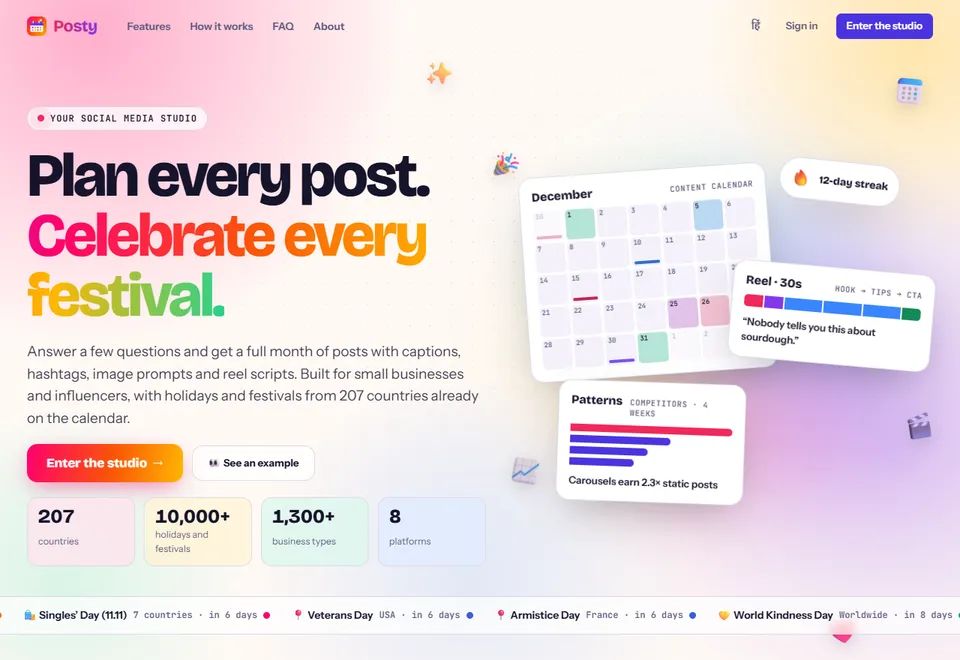
 Posty
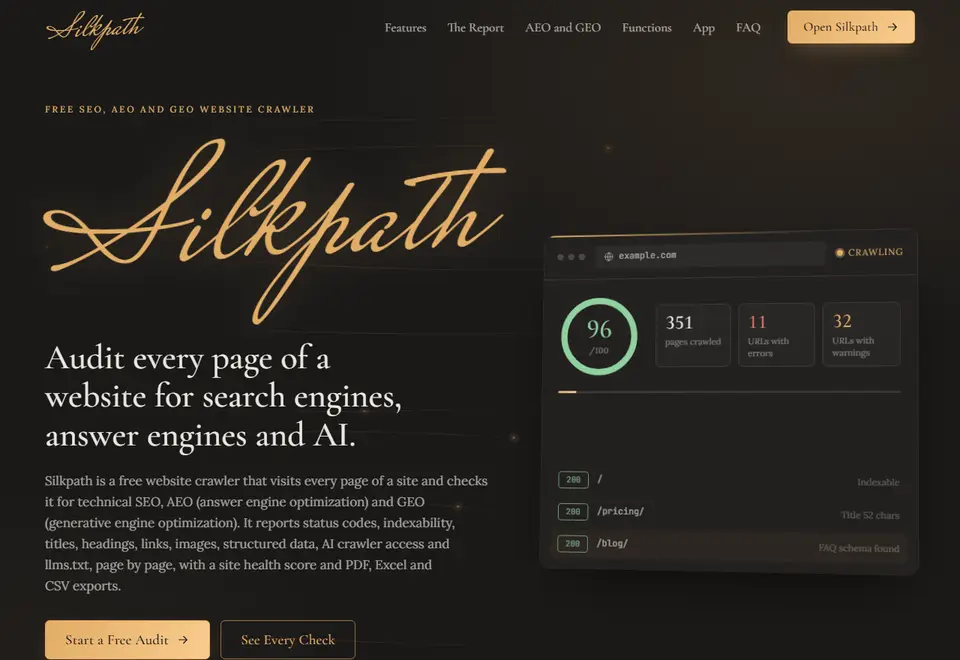
 Silkpath